


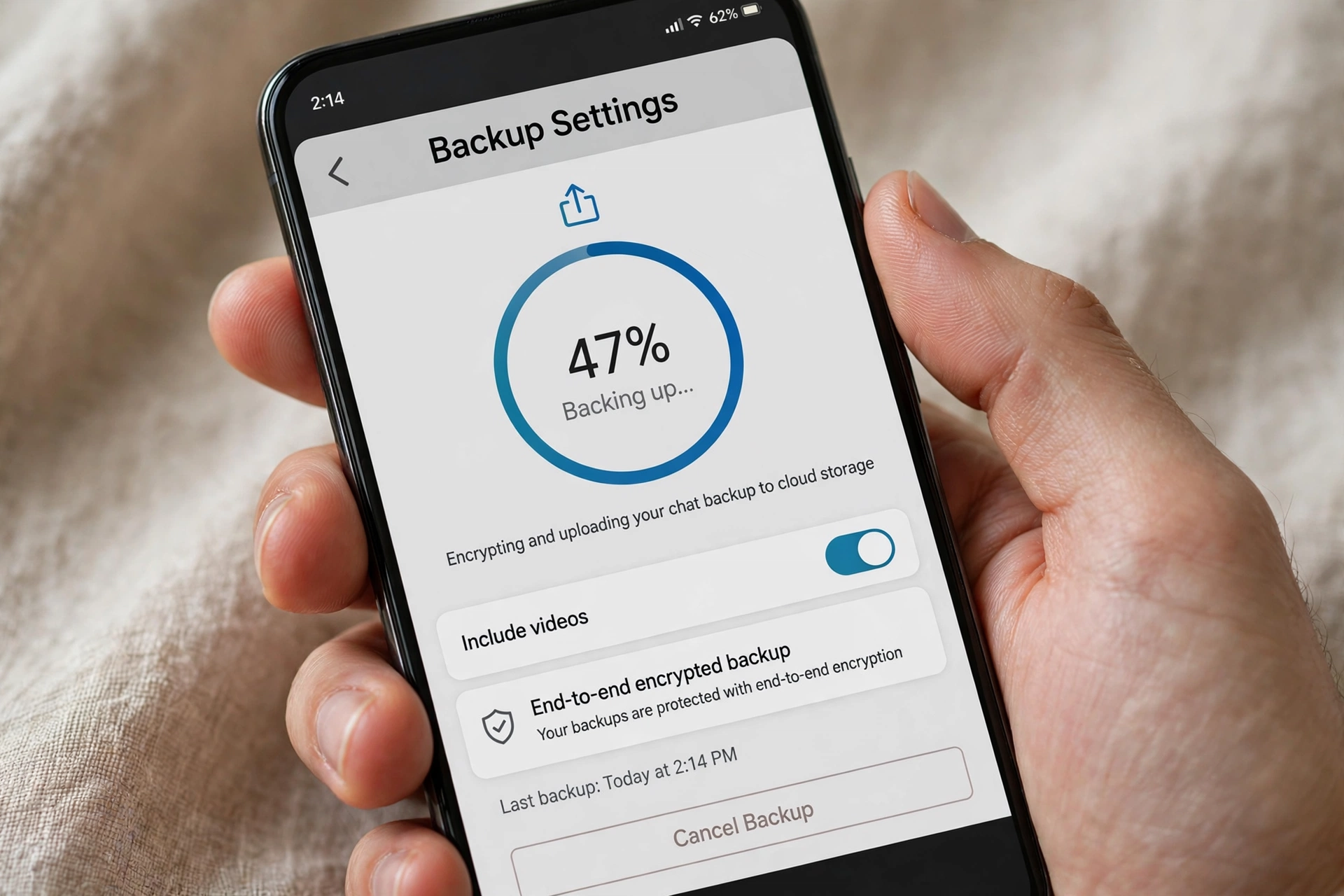
There’s nothing more annoying than watching your WhatsApp backup crawl to 47% and freeze — or spin endlessly on “Backing up…” for hours. A stuck backup means your chats, photos, and videos aren’t safely stored, and if you switch phones or reinstall WhatsApp, you could lose everything. The good news: in almost every case, the cause is one of a handful of fixable issues — full Google Drive storage, the wrong Google account, aggressive battery optimization, or a flaky connection.
This guide walks you through 8 proven fixes for a WhatsApp backup stuck on Google Drive in 2026, ordered from the most common cause to the least. Work through them in order and your backup will almost certainly finish.
Why Your WhatsApp Backup Gets Stuck on Google Drive
WhatsApp on Android backs up your chats and media to Google Drive. The backup process uploads a large encrypted file, and anything that interrupts the upload — no storage space left, the app being killed in the background, a switching network, or an account mismatch — leaves the progress bar frozen. Unlike a failed backup, which shows an error, a stuck backup often shows no error at all. It just sits there.
Before diving into fixes, note the distinction: if your backup fails immediately with an error message, skip to Fix 2 (account) and Fix 7 (backup size). If it starts and then freezes partway, storage space (Fix 1) and battery optimization (Fix 5) are the prime suspects.
Quick Checks Before You Start
Check how long it’s really been stuck
A large backup with years of videos can legitimately take an hour or more on a slow connection. If the percentage is still moving — even slowly — let it finish. Only treat it as stuck if the percentage hasn’t changed for at least 30 minutes on Wi-Fi.
Note your WhatsApp and Android versions
Go to WhatsApp > Settings > Help and check the version, and check your Android version in Settings > About phone. Fixes involving battery settings differ slightly between Android 15 and Android 16, and knowing your versions helps if you need to search for version-specific steps later.
8 Fixes That Actually Work
Fix 1: Free Up Google Drive Storage Space
This is the single most common cause. WhatsApp backups count against your Google Drive storage quota, and Google’s free tier is 15 GB shared across Drive, Gmail, and Google Photos. If your storage is full, the upload starts, runs out of room, and freezes.
Check your storage at drive.google.com/settings/storage or in the Google One app. If you’re near the limit, delete large files, empty the trash (deleted files still count until the trash is emptied!), or remove old device backups you no longer need. Then retry the WhatsApp backup — it usually completes immediately once there’s room.

Fix 2: Verify You’re Signed In With the Right Google Account
WhatsApp backs up to the Google account selected in WhatsApp > Settings > Chats > Chat backup > Google Account. A surprisingly common problem: the phone has multiple Google accounts, and the selected one is out of storage or has backup disabled by an administrator (common on work accounts).
Tap the Google Account row and confirm it’s your personal account with free storage. If you recently changed your Google password, re-select the account to refresh its authentication token — a stale token silently breaks the upload.
Fix 3: Switch to a Stable Wi-Fi Connection
Backups pause or stall on unstable connections, and switching between Wi-Fi and mobile data mid-upload can freeze the process. Connect to a stable Wi-Fi network, and in Chat backup settings make sure Back up over is set to Wi-Fi (or Wi-Fi or cellular if you have an unlimited plan). Then turn airplane mode on and off once to reset the network stack, and retry the backup.
Fix 4: Update WhatsApp to the Latest Version
Backup bugs get fixed in app updates more often than people realize. Open the Play Store, search WhatsApp, and install any pending update. Also update Google Play Services — WhatsApp’s Drive integration depends on it, and an outdated Play Services is a known cause of stuck uploads. After updating both, restart your phone before retrying.
Fix 5: Turn Off Battery Optimization for WhatsApp
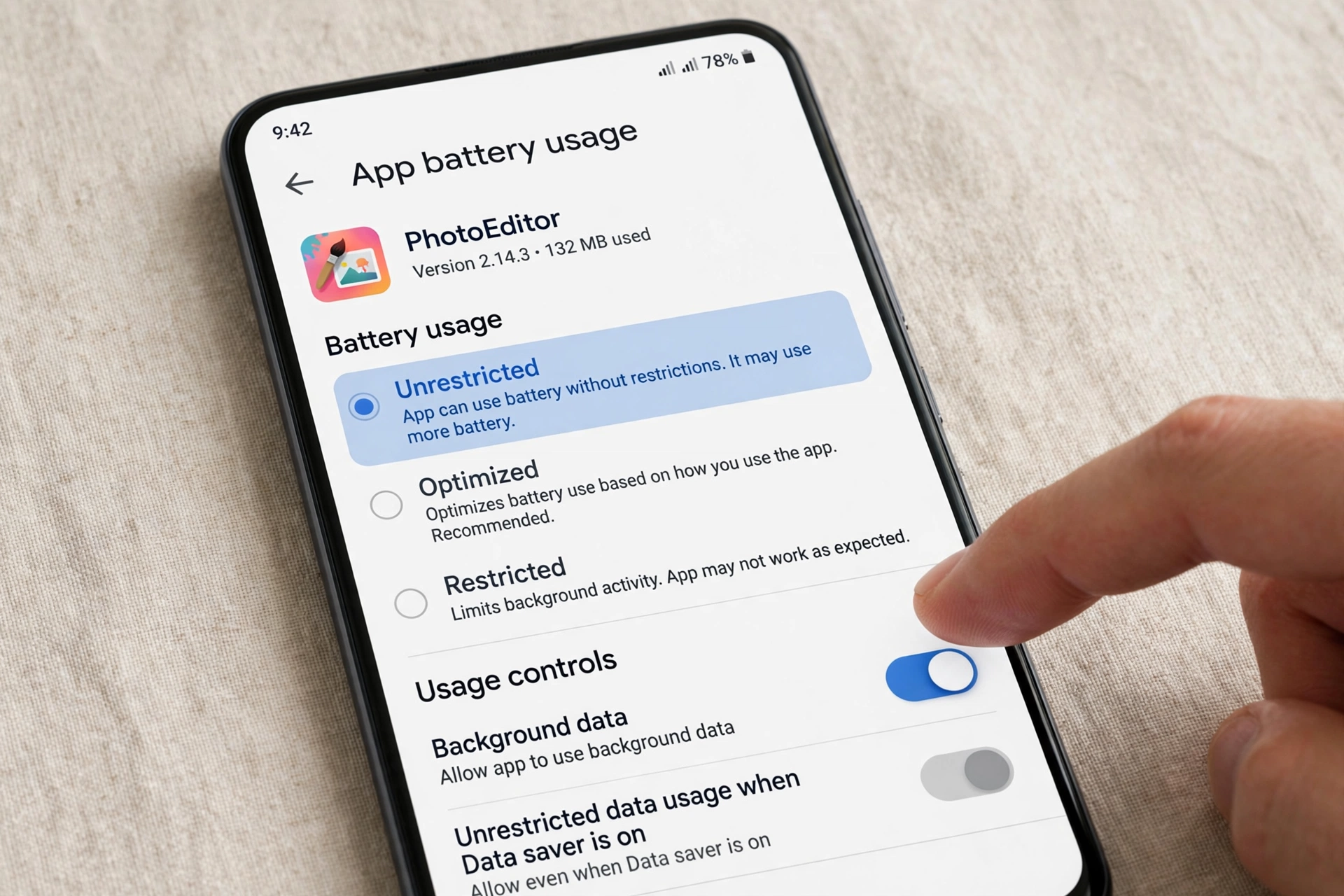
Android’s battery saver loves to kill long background uploads. On Android 16, go to Settings > Apps > WhatsApp > App battery usage and set it to Unrestricted. On Samsung phones, also check Settings > Battery > Background usage limits and make sure WhatsApp is in the Never sleeping apps list. Then start the backup and keep WhatsApp open in the foreground until it finishes — at least for the first attempt after this change.
Fix 6: Clear WhatsApp Cache (Android)
A corrupted cache can jam the backup pipeline. Go to Settings > Apps > WhatsApp > Storage > Clear cache. This is safe — it deletes temporary files only, not your chats or media. Do not tap Clear data/Storage, which would wipe the app. After clearing the cache, reopen WhatsApp and retry the backup.
Fix 7: Exclude Videos or Shrink the Backup
Videos are usually 80–90% of a backup’s size. In WhatsApp > Settings > Chats > Chat backup, turn off Include videos and try again. If the backup completes without videos, you’ve confirmed size was the issue. You can then decide whether to do one full backup with videos included (on fast Wi-Fi, overnight) or keep videos excluded permanently and back them up separately via Google Photos.
Fix 8: Restart Your Phone and Retry Manually
If everything above checks out, do a full restart — not just a screen lock, a real power-off restart. This clears stuck background processes and refreshes the network and Play Services connections. After rebooting, open WhatsApp, go to Settings > Chats > Chat backup, and tap Back Up manually while on Wi-Fi with the phone plugged into a charger. Manual backups with the screen on bypass most background restrictions.
What If the Backup Keeps Failing?
If you’ve tried all 8 fixes and the backup still won’t complete, you have two fallback options. First, use WhatsApp’s local backup: WhatsApp automatically creates a local backup on your phone’s storage every day at 2 AM (check WhatsApp/Media or Android/media/com.whatsapp folders). Copy that folder to a computer as a safety net.
Move chats without Google Drive
Second, if your goal is moving to a new phone rather than archiving, use WhatsApp’s Transfer chats feature (Settings > Chats > Transfer chats), which moves everything directly between phones over Wi-Fi without Google Drive at all. It’s faster and sidesteps every Drive-related issue in this guide.
If WhatsApp itself is misbehaving in other ways on your phone, our notification fix guide covers the other most common issue:
WhatsApp Notifications Not Working on Android 16? Fix by Phone Brand (Samsung, Pixel, Xiaomi)
And since battery optimization is behind so many stuck backups, this battery guide is worth a read too:
Android 16 Battery Drain After Update Fix: 7 Proven Ways to Stop Fast Drain
WhatsApp documents the official backup requirements and troubleshooting steps in its help center:
WhatsApp FAQ — official help for backup and restore issues
Google’s Drive storage help explains how the 15 GB quota works and what counts against it:
Google Drive Help — manage your storage in Google Drive
Frequently Asked Questions
Does WhatsApp backup use my Google Drive storage?
Yes. Since the policy change, WhatsApp backups count toward your Google account’s 15 GB free storage shared across Drive, Gmail, and Photos. This is why “backup stuck” complaints spiked — many users hit the limit without realizing it.
How often should I back up WhatsApp?
Daily automatic backup is the safest setting — set it in Chat backup > Back up to Google Drive > Daily. It runs overnight when the phone is on Wi-Fi and charging, so it won’t interrupt you.
Can I back up WhatsApp without Google Drive?
Yes. WhatsApp creates automatic local backups on your phone daily, and the Transfer chats feature moves chats directly between devices. But local backups are lost if the phone is lost or reset, so Drive backup remains the safest option.
Why does my backup restart from 0% every time?
That usually means the upload is being interrupted — most often by battery optimization killing WhatsApp mid-upload (Fix 5) or the network switching between Wi-Fi and mobile data (Fix 3). Fix those two and the restart loop stops.
Final Words
A WhatsApp backup stuck on Google Drive is almost always a storage, account, or battery-optimization problem — not a broken app. Check your Drive space first, confirm the right Google account, set WhatsApp’s battery usage to Unrestricted, and retry on stable Wi-Fi. In our experience those four steps resolve the vast majority of stuck backups. And once it’s working, leave automatic daily backups on: the backup you never think about is the one that saves you when your phone doesn’t survive the day.
