


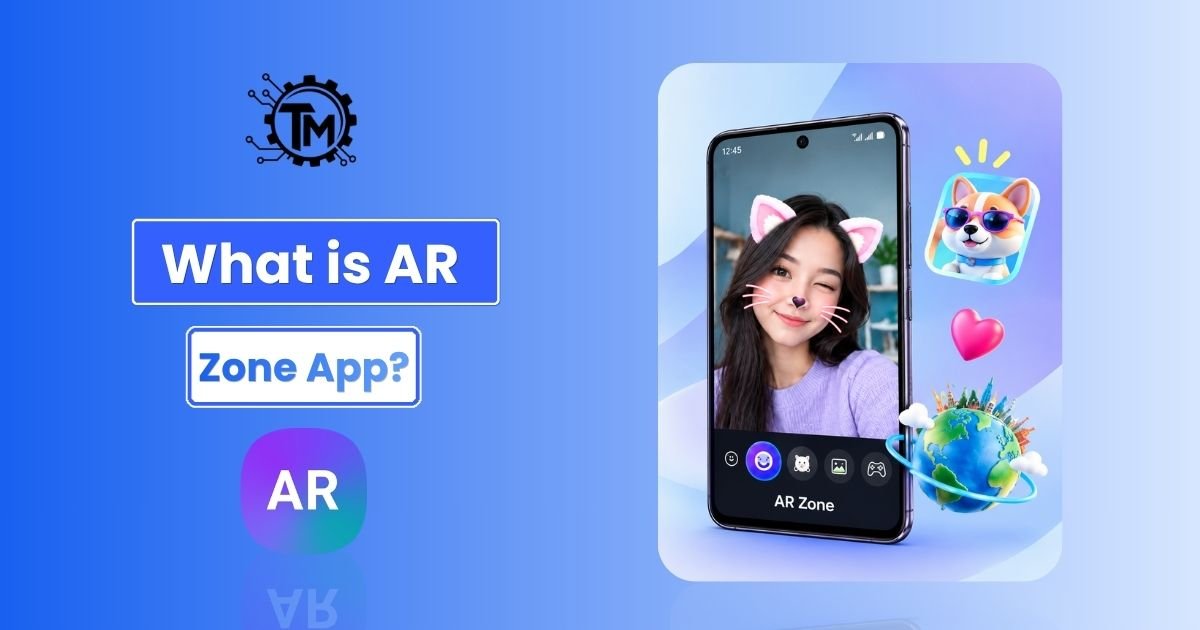
Have you ever visualized yourself stepping into a 3D digital world directly through your smartphone screen? What if you could change your features without makeup or make animated characters come alive in your living room?
For Samsung Galaxy users, the AR Zone app is the gateway to this world. Built into One UI, it lets you combine real-life camera views with digital objects—completely free and pre-installed on your device.
What is the AR Zone App on Samsung Galaxy Devices?
The AR Zone app is a built-in software suite created by Samsung Electronics for its Android smartphones running Android 10 and higher. It acts as a single hub for all augmented reality (AR) features, linking your camera to digital tools.
Instead of taking flat 2D pictures, AR Zone places 3D avatars, animated stickers, and digital drawings directly over real-world views captured through your lens.
How AR Zone Integrates with Samsung One UI
Rather than downloading external third-party software, AR Zone comes integrated into Samsung’s ecosystem.
It uses your phone’s processor, camera sensors, and Google’s ARCore framework to display 3D visual content smoothly without extra setup.
Is AR Zone Safe to Use or a Virus?
Many users wonder if AR Zone is spyware or a security threat when they discover it for the first time.
AR Zone is 100% safe to use. It is an official Samsung system feature. It collects no unauthorized personal information and only requests standard camera, microphone, and storage access to save your creative media.
Core Features Inside the AR Zone Toolkit
AR Zone is not a single tool—it is a collection of creative and utility-based extensions.
Here is a clear look at every feature packed inside the Samsung AR Zone folder:
1. AR Emoji Camera & AR Emoji Studio
- AR Emoji Camera: Uses front-facing face tracking to turn your face into an animated 3D character in real time for short clips and photos.
- AR Emoji Studio: Lets you customize your 3D digital twin down to hair color, skin tone, clothing, shoes, and facial features.
2. AR Emoji Stickers
Once you create your avatar in AR Emoji Studio, the app automatically generates a custom pack of animated GIFs and stickers.
You can share these personalized stickers directly on messaging platforms like WhatsApp, Telegram, Messenger, and SMS.
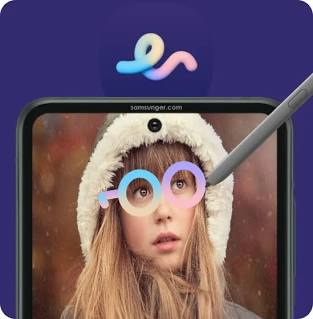
3. AR Doodle (3D Spatial Drawing)
AR Doodle lets you draw or sketch 3D lines directly into physical space through your live camera view.
Using spatial anchoring, your drawings stick to physical objects or faces and stay in place even when you move the phone around.
4. Deco Pic & Virtual Masks
Deco Pic is a casual photo tool that adds animated borders, background overlays, floating stickers, and interactive face masks to your photos and videos.
It works similarly to popular camera filters found on Snapchat or Instagram.
5. Quick Measure & DepthVision Tools
On high-end Galaxy models equipped with DepthVision or Time-of-Flight (ToF) camera sensors, AR Zone includes spatial measurement utilities.
Quick Measure calculates the height, width, area, and distance of real-world objects simply by pointing your camera at them.
Step-by-Step: How to Access and Open AR Zone App
Opening AR Zone on your Samsung phone takes only a few quick steps through your standard camera app.
Accessing via the Samsung Camera App
- Open the native Camera app on your Samsung Galaxy device.
- Swipe through the bottom option bar and tap More.
- Select AR Zone at the top of the menu screen.
- Pick any tool (such as AR Emoji Studio or AR Doodle) to start.
Creating an App Drawer Shortcut
If you want to open AR Zone directly from your app drawer without launching the camera first:
- Open AR Zone using the steps above.
- Tap the Gear/Settings icon in the upper right corner.
- Turn on Add AR Zone to Apps screen.
- The AR Zone app icon will now appear in your main app menu.
Business and Everyday Practical Applications of AR Zone
Beyond everyday creative photos and custom chat stickers, mobile augmented reality is changing how businesses operate.
Virtual Try-Ons and E-Commerce Impact
Tricks Mode Mobile AR platforms have created new opportunities for retail shopping.
Just like online marketplaces allow users to Sell Gift Cards Instant Payment Cash App services for seamless transactions, tools like custom avatar builders and AR Makeup allow consumers to virtually try on clothing, glasses, or cosmetics before making an online purchase.
| Industry | Use Case for Mobile AR | Key Benefit |
|---|---|---|
| Retail & Apparel | Virtual try-on (clothes, glasses, makeup) | Reduces return rates and boosts buyer confidence |
| Real Estate & Furniture | 3D furniture spatial placement | Helps buyers visualize products inside real room spaces |
| Education | Interactive 3D science models | Improves student engagement and spatial learning |
| Industrial Maintenance | AR-guided visual repair instructions | Cuts down training time and lowers operational errors |
Interactive Learning and Education
Educational apps use spatial tracking to turn complex subjects—like planetary orbits in astronomy or 3D human anatomy—into interactive visual lessons instead of static textbook images.
How to Disable or Remove AR Zone App from Samsung
If you do not use augmented reality features and prefer to save storage space, you can easily manage the application.
Can You Uninstall AR Zone?
Because AR Zone is a core system component built into Samsung One UI, you cannot completely uninstall it without modifying system software.
However, you can turn off its background activity and hide its icon from your launcher screen.
How to Turn Off Camera Permissions and Hide AR Zone
- Open Settings on your smartphone.
- Select Apps and search for AR Zone.
- Tap Permissions and revoke access to Camera, Microphone, and Storage.
- Open the AR Zone app settings and toggle off Add AR Zone to Apps screen to hide the shortcut.
Troubleshooting Common AR Zone Issues
If you run into issues while using AR Zone features, here are a few simple solutions:
- Poor Face Tracking: Move to a well-lit space. Dim lighting or cluttered backgrounds make it difficult for sensors to track faces.
- App Crashing or Freezing: Go to Settings > Apps > AR Zone > Storage and select Clear Cache.
- Third-Party Installation Issues: Unlike installing a standalone Sniffies App Android APK file from external web sources, AR Zone is a native system application and cannot be manually sideloaded as an APK if your device does not support One UI.
- Missing Features (e.g., Quick Measure): Some spatial tools require specific hardware sensors or newer software. Check for updates under Settings > Software Update.
Conclusion
The AR Zone app is a feature-rich augmented reality hub that expands what your Samsung Galaxy camera can do.
From creating personalized digital avatars with AR Emoji Studio to drawing in 3D space with AR Doodle, it connects digital creativity with the real world. Whether you use it every day for custom chat stickers or occasionally for creative photo filters, understanding how it works helps you get the most out of your device.
Frequently Asked Questions (FAQs)
1. What is the AR Zone app used for on Samsung?
The AR Zone app is a built-in Samsung camera hub that lets users build personalized 3D avatars, sketch 3D drawings in real-world spaces with AR Doodle, create custom animated stickers, and capture augmented reality photos and videos directly within Samsung One UI.
2. Can I completely uninstall the AR Zone app from my phone?
No. Because AR Zone is a system-level application pre-installed within Samsung’s One UI software, it cannot be fully uninstalled. However, you can disable its permissions and hide its icon from your app screen.
3. Is the AR Zone app available for iPhone or non-Samsung Android phones?
The full AR Zone software suite is exclusive to Samsung Galaxy smartphones running Android 10 and higher. However, Apple users looking for similar augmented reality features can find plenty of equivalent iOS Apps on the Apple App Store, such as Snapchat or third-party tools built on Apple’s ARKit.
4. Is the AR Zone app safe, or is it spyware?
The AR Zone app is completely safe. It is an official feature developed directly by Samsung Electronics. It contains no spyware, malware, or security risks and only uses camera and storage permissions to generate 3D visual effects.
5. Why is the AR Zone app taking up storage space on my phone?
The app saves custom AR Emojis, cached sticker files, and high-resolution 3D asset models. You can free up storage space by navigating to Settings > Apps > AR Zone > Storage and tapping Clear Cache.
Source: Tricks Mode
