



Determining the exact resale value of a pre-owned desktop or laptop can feel like solving a complex puzzle. Technology depreciates rapidly, and secondary market prices fluctuate based on component supply, generational leaps, and local demand. If you are asking yourself, “how much is my computer worth” before upgrading or selling your current rig, calculating a fair and lucrative price requires looking far beyond what you originally paid.
Many sellers make the mistake of slashing 20% off their purchase receipt and listing the machine online. However, an accurate valuation relies on component-by-component market checks, real-world health checks, and understanding depreciation curves. In this step-by-step guide, you will learn how to accurately calculate your computer’s value, benchmark its hardware, factor in age, and present it to buyers for maximum payout.
Step 1: Identify Your Exact System Specifications
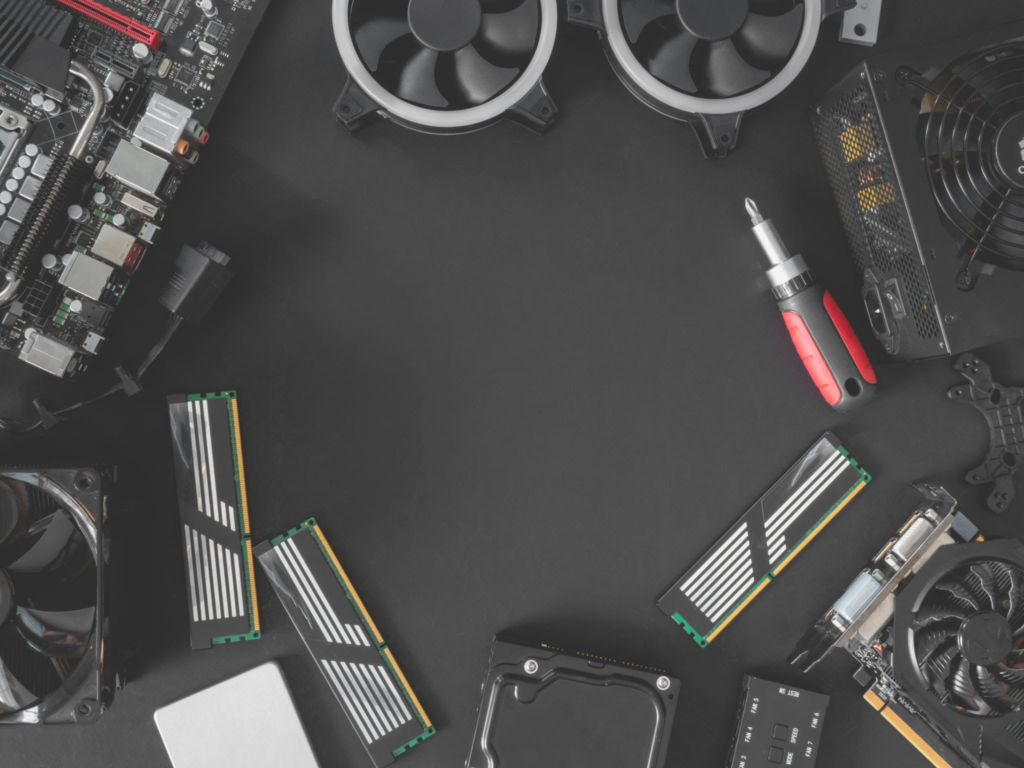
Before checking market prices, you must document every hardware component inside your machine. Buyers evaluate a system based on its processing power, graphics capability, and expansion potential—not just the brand name printed on the chassis.
To accurately answer how much is my computer worth based on specs, gather information on these core components:
- Central Processing Unit (CPU): Brand, model series, core count, and generation (e.g., Intel Core i7-12700K or AMD Ryzen 7 5800X).
- Graphics Processing Unit (GPU): Dedicated graphics card chip and VRAM capacity (e.g., NVIDIA RTX 3070 8GB).
- Random Access Memory (RAM): Memory generation (DDR4 vs DDR5), capacity (16GB, 32GB), and speed (3200MHz, 6000MHz).
- Storage Drives: Type (NVMe SSD, SATA SSD, HDD) and total storage capacity.
- Power Supply Unit (PSU) & Motherboard: Wattage, efficiency rating (80 Plus Bronze/Gold), and motherboard chipset capability (e.g., B550, Z690).
How to Find Your PC Specs Fast on Windows
If you built the computer years ago or bought a pre-built system, you can retrieve your exact specifications instantly:
- Press
Ctrl + Shift + Escto open Task Manager and navigate to the Performance tab. - Type
msinfo32into your Windows Search bar and launch System Information. - Download a free diagnostic tool like Speccy or CPU-Z to view exact part numbers, motherboard chipsets, and RAM speeds.
Step 2: Calculate Hardware Depreciation Over Time
Computers lose market value the moment they leave the retail box. Understanding how to calculate the value of a used computer requires applying baseline depreciation rates while keeping an eye on historical GPU/CPU market surges.
General PC Depreciation Curve:
- Year 1: Loses 15% to 25% of original retail MSRP value.
- Year 2: Drops 30% to 40% total from original value.
- Year 3: Drops 50% of original value.
- Year 5+: Generally retains 20% to 30% of initial cost, driven largely by basic office use capability or budget gaming value. (Legacy systems like a vintage Windows XP Computer follow collectors’ pricing rather than standard office depreciation curves).
If you are trying to estimate how much is my PC worth after 2 years, take the original retail purchase price of the core components and subtract approximately 35%. However, this rule of thumb varies depending on generational technological jumps. For example, a 2-year-old mid-tier graphics card might hold more value if the current GPU generation experienced steep price hikes or supply chain shortages.
Step 3: Determining How Much Is My Gaming PC Worth
Gaming rigs follow different pricing rules than standard office desktops or laptops. If you are asking how much is my gaming PC worth, your overall valuation is heavily weighted toward your graphics card and processor combination.
When pricing a gaming desktop, split your system into two main categories:
1. High-Value Components (Dynamic Resale)
- Graphics Card (GPU): Accounts for 30% to 50% of the entire system’s second-hand value.
- Processor (CPU): Holds solid value if it belongs to a modern socket platform with an upgrade path (such as AMD AM5 or Intel LGA1700).
2. Lower-Value / Static Components (Fixed Resale)
- Case, Power Supply, & Cooling: PC cases, air coolers, and power supplies lose value quickly. Price them at 30% to 50% of their new retail cost regardless of condition.
- Mechanical Hard Drives (HDDs): Used HDDs carry minimal value due to wear and cheap SSD alternatives.
Step 4: Research Real-Time Market Value (The Component Method)
To discover what is my computer worth today, avoid guessing or relying solely on automated online PC calculators. Automated tools often use outdated MSRP databases and fail to capture real-time market shifts. Instead, use the Component-Sum Method by researching completed secondary market sales.
How to Use eBay Sold Listings for Pricing
- Visit eBay.com and search for your specific hardware component (e.g., “Ryzen 5 5600X used”).
- On the left sidebar filter menu, scroll down and check the box for Sold Items.
- Ignore active asking prices (which represent what sellers hope to get) and average out the last 5 to 10 completed Sold transaction prices.
- Repeat this process for your GPU, RAM, Motherboard, and Storage.
- Add the individual sold values together.
Once you have the component total, subtract 10% to 15% if you plan to sell the entire computer as a pre-built bundle. Buyers expect a small package discount when purchasing a complete system rather than sourcing individual parts themselves.
| Hardware Component | Original Purchase Price (Example) | Used Market Value (eBay Sold Avg) |
|---|---|---|
| CPU: AMD Ryzen 7 3700X | $329 | $85 |
| GPU: NVIDIA RTX 2070 Super | $499 | $160 |
| RAM: 16GB DDR4 3200MHz | $80 | $25 |
| Storage: 1TB NVMe SSD | $100 | $35 |
| Motherboard: B450 ATX | $120 | $55 |
| PSU & Case: 650W Gold + Mid-Tower | $150 | $60 |
| Total Component Value: | $1,278 | $420 |
| Bundle Price (10% Discount): | — | ~$375 – $380 |
Step 5: Factor in Physical Health, Aesthetics, and Pre-installed Software
When buyers evaluate how to determine my computer’s resale value, physical condition and operational stability play massive roles. Two identical computer setups can vary in price by $100 or more based on presentation and hardware health checks.
Factors That Increase Your PC Value
- Original Packaging & Accessories: Having the original CPU/GPU boxes, extra modular PSU cables, and motherboard accessories adds $20–$50 in perceived value.
- Clean Aesthetics & Cable Management: Tidy cable routing and RGB lighting make your system stand out in marketplace photo feeds.
- Fresh OS Installation: Delivering a PC with a clean, activated installation of Windows saves the buyer time and instills trust.
- Clean Component Health Reports: Providing screenshots of CrystalDiskInfo (showing SSD health) and MemTest86 (proving RAM stability) reassures prospective buyers.
Factors That Hurt Resale Value
- Heavy dust buildup inside heatsinks, fan blades, or glass panels.
- Missing PCIe slot covers, custom drive bays, or power cords.
- Scratches on tempered glass side panels or dented case frames.
- Unregistered or unactivated Windows operating systems.
Step 6: Decide Where to Sell for the Highest Return
Knowing how much can I sell my computer for depends heavily on the sales platform you choose. Different platforms offer trade-offs between speed, convenience, and net profit.
                    [SELECTING YOUR SALES PLATFORM]
                                   │
         ┌─────────────────────────┴─────────────────────────┐
         ▼                                                   ▼
  [LOCAL MARKETPLACES]                               [ONLINE PLATFORMS]
  (Facebook, Craigslist, OfferUp)                    (eBay, Reddit r/hardwareswap)
         │                                                   │
  • $0 Platform Fees                                  • 10-15% Platform/Payment Fees
  • Cash / Instant Transfer                           • Shipping & Packaging Expenses
  • Higher Security Risk                              • Buyer Protection Guarantee
  • Best for Whole Tower Desktop                      • Best for Individual Parts
1. Local Marketplaces (Facebook Marketplace, OfferUp, Craigslist)
- Pros: Zero platform commission fees, instant cash or direct digital payment, no shipping hassle or risk of glass side panels breaking in transit.
- Cons: Inconsistent buyers, lowball offers, safety precautions required during local meetups.
- Best For: Complete computer towers and heavy desktop setups.
2. Specialized Online Hardware Communities (Reddit r/hardwareswap)
- Pros: Knowledgeable enthusiasts who recognize fair market value for custom parts; lower risk of unreasonable complaints.
- Cons: Requires strict compliance with platform posting rules and PayPal Goods & Services verification.
- Best For: High-end custom builds and rare enthusiast hardware.
3. Broad E-Commerce Outlets (eBay)
- Pros: Access to millions of nationwide buyers, driving faster sales for niche components.
- Cons: 10% to 15% final value platform fees, shipping costs, and buyer-biased return policies.
- Best For: Laptops, small form factor PCs, and standalone GPUs/CPUs.
Step 7: How to Prepare Your Computer Before Selling
Once you establish how much is my used computer worth, complete these mandatory preparation steps before handing over the hardware:
- Back Up Personal Files: Transfer important documents, pictures, saved passwords, and game files to an external drive or cloud service.
- Securely Wipe Drives: Perform a full drive sanitization using Windows Security Reset (with “Clean the drive” enabled) or DBAN to prevent recovery of personal data.
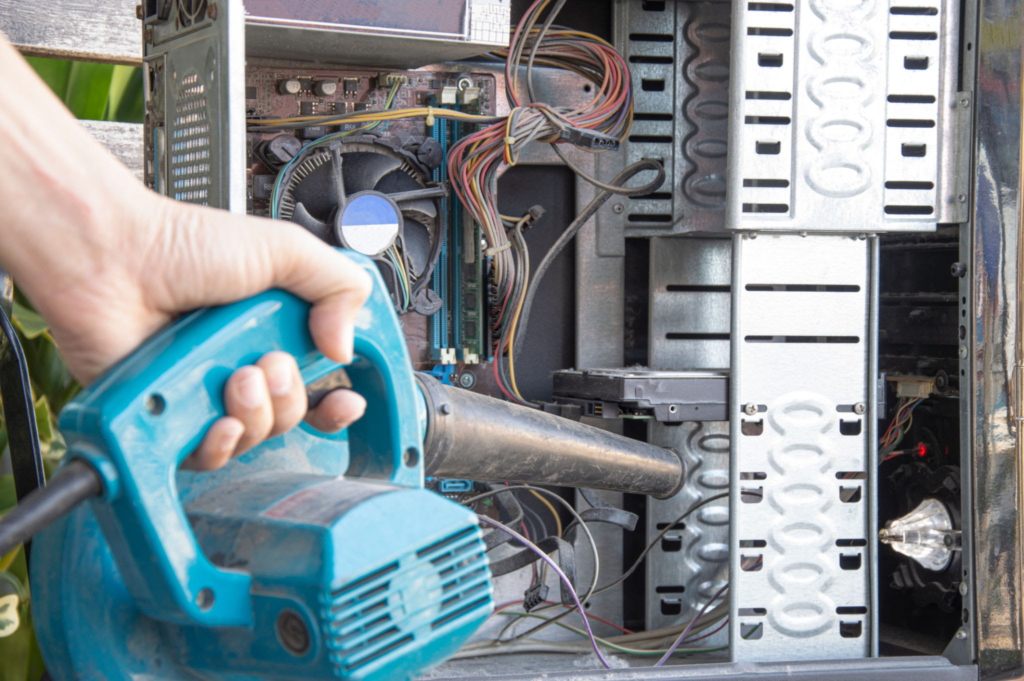
- Deep Clean the Hardware: Use compressed air to clear dust from fan blades, radiator fins, and power supply filters. Wipe glass panels with microfiber cloths.
- Take High-Quality Listing Photos: Shoot photos in bright, natural lighting. Take shots with the side panel on, side panel off, running with RGB lights illuminated, and displaying the Windows System specs screen.
- Write a Transparent Description: List every spec clearly, mention any cosmetic flaws, and state whether you accept test benchmarks during pickup.
In addition, tech users navigating multi-device setups often utilize various digital tools; for instance, some manage mobile PWA links like a Sniffies App Android Download for location utilities, set up streaming options via The TV App Download, or learn how to Sell Gift Cards Instant Payment Cash App to quickly liquidate extra gift balances into cash.
Conclusion
Calculating how much is my computer worth requires a balance of market research, component analysis, and honest health evaluation. Rather than guessing or relying on outdated purchase receipts, inspect your hardware specs, research real-world sold listings, factor in age and physical condition, and clean your system to maximize its market appeal. By following these steps and choosing the right platform to list your build, you can secure the highest possible resale price for your used PC and fund your next setup with confidence.
Parting out your computer almost always yields 10% to 20% more total money because buyers pay premium rates for specific individual components (like GPUs or CPUs). However, selling the whole system in one transaction is significantly faster and saves you from paying multiple shipping costs or dealing with unsold leftover parts.
On average, a desktop computer or laptop depreciates by roughly 15% to 25% in its first year, 35% by year two, and up to 50% by year three. High-demand gaming GPUs and flagship processors retain value longer than entry-level office hardware.
Generally, no. Installing new hardware rarely yields a 100% return on investment when selling on the secondary market. It is more cost-effective to thoroughly clean, cable-manage, and benchmark your existing machine than to spend extra money on upgrade parts.
Do not rely on standard file deletion or quick drive formatting. Use the built-in “Reset this PC” feature in Windows Settings and select “Remove everything” followed by “Fully clean the drive”. Microsoft’s official Reset PC guidance specifically recommends the clean-data option when a PC is being sold or given away.
Automated online calculators typically rely on fixed depreciation formulas or outdated MSRP prices. They cannot account for real-time supply shortages, local market demand, component condition, or regional pricing variances. Checking completed, sold listings on marketplaces like eBay provides a far more realistic valuation.
Source: Tricks Mode
