


If you are one of the millions of people who made Arc your daily browser, I have news that might sting a little: The Browser Company has officially announced that Arc will be shut down on December 22, 2026. The company revealed the decision on October 22, 2026, in a letter signed by co-founder Josh Miller and the whole Browser Company team, and the wind-down is already underway. New Arc account registrations are closed as of the announcement day.
Arc was never just another Chromium skin. It moved tabs into a vertical sidebar, introduced color-coded Spaces for different parts of your life, and added split view for two pages side by side. It built a genuinely passionate community of designers, developers, and tab hoarders like me. The company’s reason is straightforward: keeping a browser secure takes constant, dedicated work that only increases in the age of AI, so it is putting its full engineering and security focus behind Dia, its newer AI-first browser.
So what does this mean for you in practical terms? You have roughly two months to move your bookmarks, passwords, tabs, and Spaces somewhere safe. In this guide I will walk you through the exact shutdown timeline, what happens to your data, how to export everything step by step, and which browser you should move to next.
The Arc Shutdown Timeline
The shutdown is not happening all at once. The Browser Company has planned a staged wind-down so that users get fair warning before each feature stops working. Here are the four key dates you need to mark on your calendar:
| Date | What Happens |
|---|---|
| October 22, 2026 | New Arc account registrations closed. If you already have an account, everything keeps working for now. |
| November 23, 2026 | Arc Search on Android and iOS loses AI features, sign-in, and tab syncing. The app keeps working as a basic local browser. |
| December 15, 2026 | Deadline to request a copy of your account-related personal data or ask for its deletion. |
| December 22, 2026 | Desktop Arc stops working on Mac and Windows. Accounts are deactivated and all Arc services close. Personal data is deleted within 30 days. |
Worth knowing: on Android, the Arc Search app will be removed from Google Play and from devices where it is installed. On iOS, Arc Search continues as a limited browser without AI features or account syncing. Arc keeps working as usual with basic updates on desktop right up until December 22, but the company is clear that this is a firm end date.
What Happens to Your Data and Tabs
This is the part most Arc users are worried about, so let me lay it out plainly. On December 22 your Arc account will be deactivated: sign-in stops, tab syncing between devices stops, and anything stored in your Arc account cloud is gone once the deletion window passes. The company says personal data will be deleted within 30 days, and you have until December 15 to request a copy of your account-related personal data or ask for early deletion.
Your tabs, Spaces, bookmarks, passwords, extensions, and history live partly on your device and partly in sync with your account. The synced copies are what disappear. The local copies remain accessible until the app itself stops working on December 22, which is why exporting before that date matters. Do not assume something visible in your sidebar today will still be there in January.

One thing the company has done right: the latest Arc release includes export options for moving your data to Dia, its replacement browser. Passwords, bookmarks, extensions, history, Spaces, folders, and tab groups can all be carried over during Dia’s signup flow. For any other browser, standard HTML bookmark files and CSV password files have you covered, as shown in the steps below.
How to Export Your Bookmarks and Tabs Before Dec 22
Do this sooner rather than later. Here is the exact process I recommend:
- Update Arc to the latest version. Open Arc and check for updates. The final releases include export options built for this migration, so be on the newest build before you start.
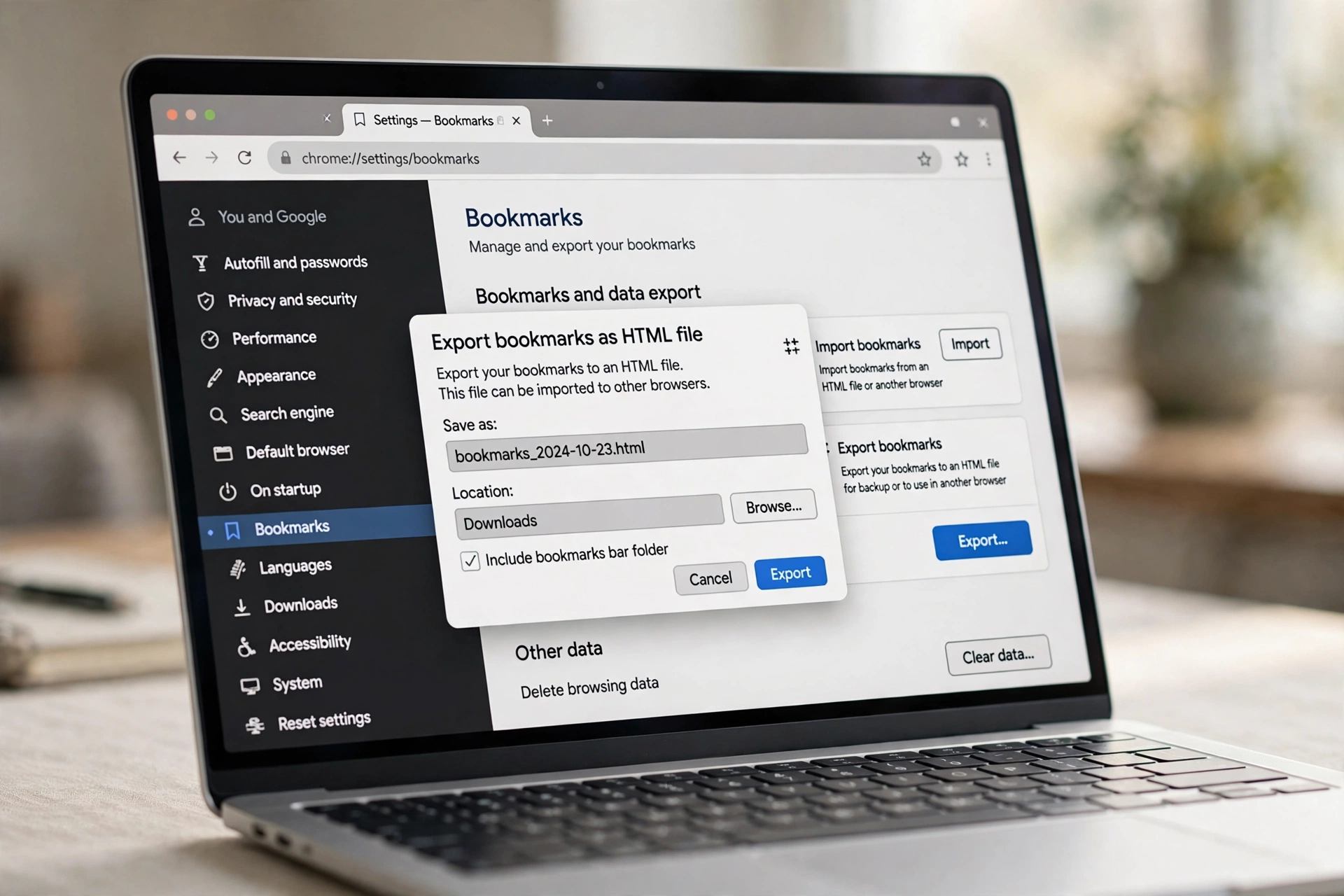
- Export your bookmarks. In settings, find the bookmark export option and save them as an HTML file to your Documents or Desktop. The HTML format is universal: Chrome, Edge, Firefox, and Dia can all import it.
- Export your passwords. In the password manager section, export your saved logins to a CSV file. It stores passwords in plain text, so keep it somewhere safe and delete it after importing it into your new browser. Consider moving to a dedicated password manager while you are at it.
- Save your open tabs and Spaces. Bookmark all open tabs in each Space into a dated folder, so every Space becomes a bookmark folder you can re-open in bulk later. Do this for every profile and Space you care about.
- Note your extensions. Screenshot or write down your installed extensions. Most are standard Chromium extensions you can reinstall in one sitting on any Chromium-based browser.
- Request your personal data copy before December 15. If you want a copy of your account-related personal data, submit the request before the deadline. After that, data follows the shutdown schedule.
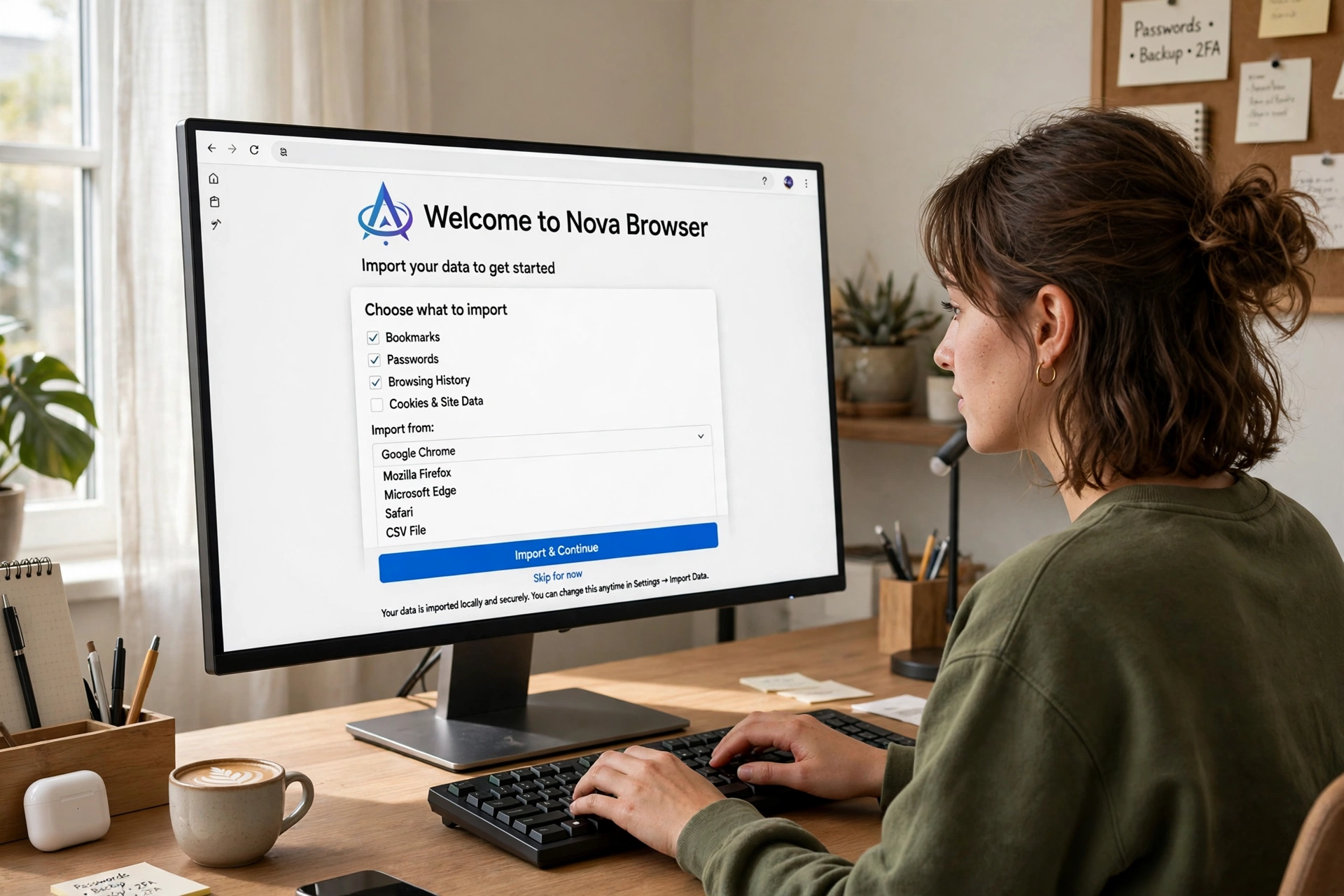
- Import into your new browser. Use its import wizard to pull in the HTML bookmarks, the CSV passwords, and your extensions. Open each bookmark folder to restore your old Spaces, then delete the password CSV.
Before you start, make sure your computer is running well so nothing interrupts the move.
See also: Windows 11 Slow After Update? Here Is How to Fix It — a quick cleanup guide to get your PC running smoothly before you migrate your browser data.
Where to Move: Best Arc Alternatives in 2026
Here is the honest part: Arc was unique, and no browser copies it exactly. But depending on what you loved most about Arc, there is a good home waiting for you.
Dia — The Browser Company’s own successor
Dia is the browser The Browser Company wants you to move to. It keeps the Arc features people relied on: the sidebar, profiles (the renamed Spaces), pinned tabs, folders (now tab groups), and split view. Passwords, bookmarks, extensions, history, Spaces, and folders import seamlessly, and the company claims Dia now beats Arc in speed, stability, and security. The AI features are optional and the core browser is free.
Pros: closest to Arc’s workflow; one-click migration including Spaces; built by the same team.
Cons: AI-first product, so Arc fans who disliked the AI direction may feel more of the same; still young.
Google Chrome
The safe, reliable choice. Chrome has the biggest extension library in the world, syncs flawlessly across every device, and every website is tested against it. If you need a browser that works everywhere with zero surprises, Chrome is it.
Pros: unmatched compatibility and extensions; excellent cross-device sync; rock-solid.
Cons: no vertical tabs or Spaces by default; heavier on memory; Google data collection concerns.
Microsoft Edge
Edge is the most underrated Chromium browser in 2026. It has vertical tabs built in, Collections that work like a simpler version of Spaces, split-screen view, and useful Copilot AI features you can ignore if you want. It imports everything from Arc in minutes.
Pros: vertical tabs and split screen out of the box; great performance and battery life on Windows; deep Windows integration.
Cons: Microsoft pushes its services hard; some features feel cluttered; less appealing on Mac.
Mozilla Firefox
If Arc’s shutdown has you thinking about who controls your browser, Firefox is the independent option. It runs on Mozilla’s own Gecko engine instead of Chromium, has strong privacy protections by default, and supports vertical tabs through settings and extensions.
Pros: truly independent from Chromium; excellent privacy defaults; highly customizable.
Cons: some sites optimize for Chromium first; smaller extension library; sync is good but not as seamless.
See also: The TV App Download Guide — one of our popular app guides if you are setting up a fresh device alongside your new browser.
What Still Works After December 22
Not everything disappears on December 22. Your exported files — the HTML bookmarks, the CSV passwords, your screenshots and notes — are yours forever and work in any browser. Anything you already imported into Dia or another browser keeps working there normally. On iOS, Arc Search continues as a limited local browser without AI features or syncing.
What does not survive: the desktop Arc app on Mac and Windows stops working entirely, your Arc account is deactivated, syncing ends, and account data is deleted within 30 days. The Android Arc Search app is removed from Google Play and installed devices. Treat December 22 as a hard cutoff for the desktop experience.
See also: How Much Is My Computer Worth? — a practical guide to valuing your PC before you decide to upgrade.
Frequently Asked Questions
Is Arc browser really shutting down?
Yes. The Browser Company announced on October 22, 2026, that Arc will shut down on December 22, 2026. New account registrations are already closed, and the shutdown follows a staged timeline through November and December.
Can I keep using Arc after December 22, 2026?
No, not on desktop. Arc stops working on Mac and Windows on December 22, accounts are deactivated, and services close. On iOS, Arc Search continues as a limited browser without AI features or syncing.
What happens to my bookmarks and passwords?
Locally stored data stays on your device until the app stops working, but synced account data is deleted within 30 days of the shutdown. Export bookmarks as HTML and passwords as CSV before December 22, and request a copy of your personal data before December 15.
Is Dia a good replacement for Arc?
Dia is the closest replacement: same company, same signature features (sidebar, Spaces renamed to profiles, pinned tabs, split view), and seamless data migration. Whether you like its AI-first direction is a personal call, but for Arc loyalists it is the smoothest transition.
Will Arc be open-sourced so the community can keep it alive?
Almost certainly not. Arc runs on a proprietary internal SDK called the Arc Development Kit (ADK), which also powers Dia. Open-sourcing Arc would give away Dia’s core intellectual property, so the company has ruled it out.
Conclusion
Arc’s shutdown on December 22, 2026, marks the end of one of the most creative chapters in browser history. But it does not have to mean losing your bookmarks, tabs, or workflow. Export your data this week, pick an alternative above — Dia for the familiar Arc feel, Edge or Chrome for reliability, Firefox for independence — and you will be settled long before the deadline. Everything you built inside Arc can come with you.
TechLayers has published a detailed guide on this announcement with the full timeline and migration checklist.
TechLayers: Arc Browser Shutdown December 2026 — full timeline and migration guide
TechCrunch covered the official announcement, including The Browser Company’s statement on focusing on Dia.
TechCrunch: Arc browser sunsets December 22 as The Browser Company doubles down on Dia
How-To Geek has a practical piece on what to do next as an Arc user.
How-To Geek: Arc browser is shutting down in December, here’s what to do next
